 SimSmsBox
 Short answer: A virtual machine swaps the computer. A cloud phone swaps the handset. A virtual number swaps the credential. Three layers — device, network, identity — and none of them substitutes for another. A VM will never produce a phone number, and a cloud phone almost never comes with one.
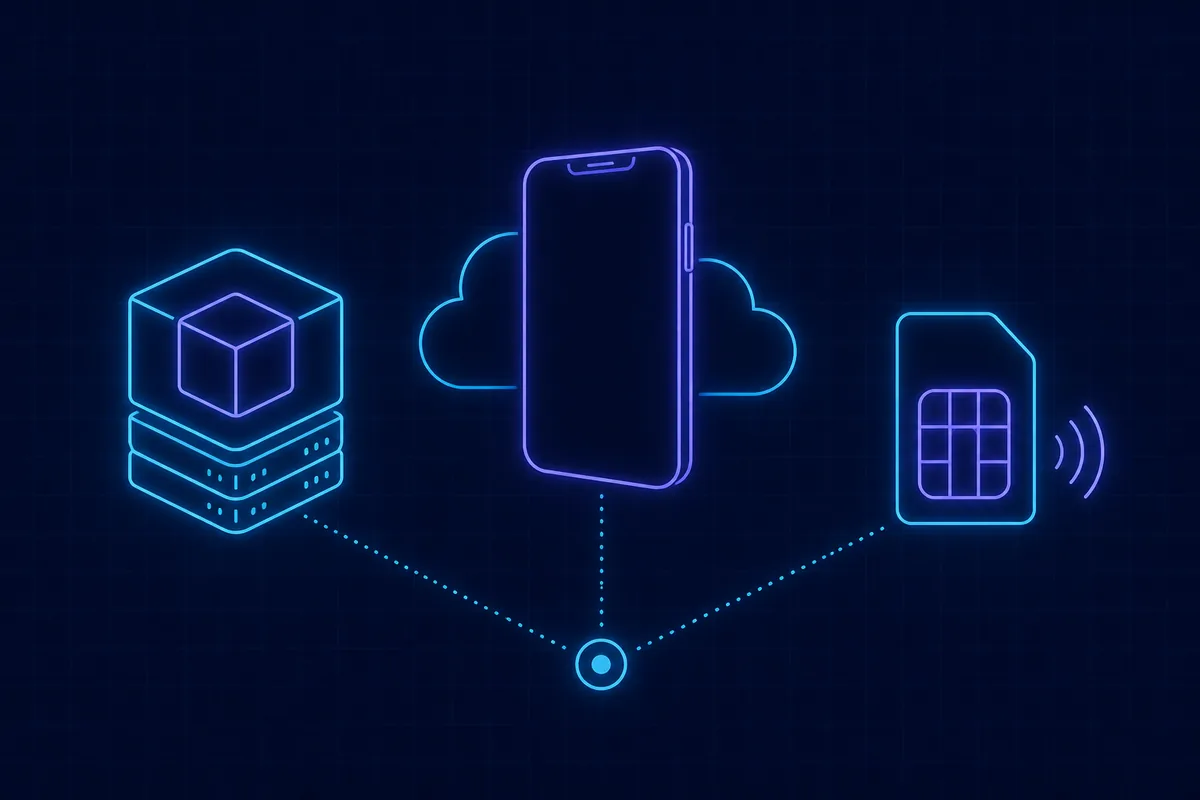
All three have “virtual” in the name, which is why searches for them bleed into each other. They do not solve the same problem, and stacking them rarely helps.
The three side by side
| Virtual machine | Cloud phone | Virtual number | |
|---|---|---|---|
| What it is | A computer simulated inside another computer | A remote Android device in a data centre | A number that can receive SMS |
| What you actually get | An isolated operating system | A screen you drive remotely | Read access to an SMS inbox |
| Typical use | Dev, testing, isolation, running another OS | Remote Android, always-on sessions | Receiving signup codes |
| Can it receive SMS | No | Only if a SIM is attached, and most are not | Yes, that is its one job |
| Common misconception | That it can generate a number | That it equals owning another handset | That it can call or send texts |
Why a virtual machine can never hand you a number
A VM is virtual hardware built by a hypervisor on top of real hardware: CPU, memory, disk, network adapter. That hardware set has no baseband radio and no SIM slot.
A phone number is not a software resource. It is an entry a carrier allocates in its own subscriber database, tied to a SIM or an eSIM profile that actually exists. No local software can conjure a number that an SMS gateway will route to. That is exactly why “virtual number generator” tools never receive a code — the full explanation is in do virtual phone number generators work.
So if you came here looking for a way to sign up without a number, the VM route was wrong from step one. What you want is described in what is a virtual phone number.
A cloud phone gets closer, and still is not a number
A cloud phone is an Android instance in a data centre that you control by streaming. It addresses two layers:
- Device layer — each instance carries its own model parameters, OS build, identifiers and fingerprint.
- Part of the network layer — the exit IP comes from the provider.
It does not address identity. Most cloud phones ship without a SIM, so you still need a number from somewhere. Worse, the exit IP is usually a data-centre IP, which stands out to risk engines far more than any device fingerprint does. The gap between a residential IP and a hosting IP is wider than ten device swaps.
What verification is actually looking at
| Layer | What the platform reads | What you can change |
|---|---|---|
| Identity | Phone number, email, ID documents | The number |
| Device | Model, OS version, screen, fonts, sensors, installed apps | Real phone / VM / cloud phone |
| Network | IP geolocation, ASN type (residential, hosting, mobile), match with the number’s country | Proxy, cellular data |
An anomaly on any single layer flags the attempt. The failure patterns repeat:
- Clean number plus hosting IP — the code arrives, then the account gets restricted shortly after.
- Real phone plus residential IP plus a per-code pool number — signup is smooth, and two weeks later the re-verification text goes to a number that rotated back into the pool. Pool mechanics are in SMS number sourcing explained.
- Cloud phone with a number whose country does not match the IP — the code is never dispatched at all.
Stacking tools is not the same as reducing risk. The layer people neglect most is identity: the quality of the number itself. See phone number reputation and what is a non-VoIP number.
Which one do you actually need
You just need one code. All you need is a number. Use the real phone already in your hand and follow the overseas SMS verification tutorial. In this scenario a VM or a cloud phone is pure added cost, and the unusual environment lowers your success rate rather than raising it.
You want to keep an overseas account long term. The number has to be one you can hold onto — compare the options in real SIM vs virtual numbers. Keep the device and the IP stable too; churn is itself a signal.
You need several operating systems on one machine. That is the VM’s actual job, and it has nothing to do with receiving codes.
You only want to keep your real number private. You need a second number, not a second device. See how to protect your phone number privacy.
Four misconceptions worth dropping
- “Registering from a VM makes me untraceable.” It does not. The number and the IP are unchanged; a VM only swaps the operating system, which is the lowest-weight layer of the three.
- “Cloud phones come with a phone number.” Almost none do. SIM-attached instances are a different product with a different price.
- “A virtual number is like a second handset.” It is not. Most receive-only numbers cannot dial or send — see can a virtual phone number make calls and can you send SMS from a virtual number.
- “A new device means unlimited signups.” The cap is on the number, not the device. See disposable phone numbers explained.
A one-question test
Ask yourself: am I missing a machine, or am I missing a number that can receive a text?
- Missing a machine (need another OS, need isolation) — virtual machine.
- Missing an always-on Android — cloud phone, accepting the hosting-IP penalty that comes with it.
- Missing a number — a virtual number or an SMS platform. Route comparison in how to get a virtual phone number.
To check whether a number you already hold reads as virtual, see how to tell if a phone number is virtual.
Wrapping up
Three “virtuals”, three problems, no substitutions. A VM is an OS-level isolation tool with no relationship to phone numbers. A cloud phone changes device and IP but still needs a number from elsewhere. A virtual number hands you an SMS inbox and says nothing about your device or network. Whether a signup sticks depends on those three layers agreeing with each other, not on how elaborate any single one looks. The broader risk picture is in are SMS receive platforms safe.