 SimSmsBox
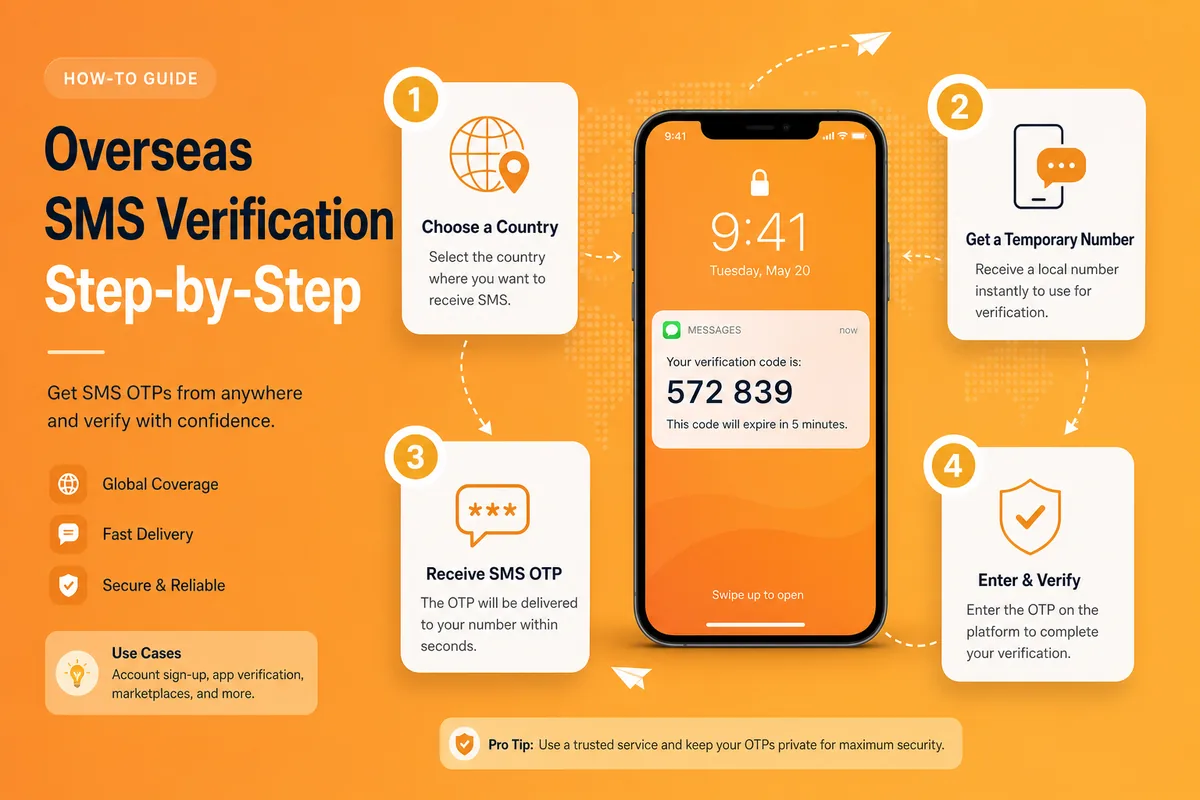
 Overseas SMS verification means using a temporary foreign number to receive an OTP instead of your personal SIM. The whole flow is usually four steps and under a minute — most failures are wrong country code formatting, wrong service selection, or a rejected range.
Before you start
- An SMS-platform account with a small balance for a live test.
- The exact app/site you will verify (maps to the platform “service”).
- A network environment close to the number’s country when possible.
Basics: How to use an SMS platform.
The four steps
1. Sign up and top up
Verify email, add a small balance. No balance usually means you can’t order a number.
2. Pick service + country, order the number
Select the service first (e.g. Telegram), then the country, confirm price, order. Watch the validity window — if no SMS arrives, cancel/swap per the platform rules.
3. Enter the number in the target app
If the platform returns 1XXXXXXXXXX, choose United States (+1) in the app and enter only the national part — don’t duplicate the country code.
4. Read the OTP on the dashboard
Refresh the order for a few seconds, copy latestCode, finish verification. Then bind email / a stronger 2FA method when the account matters.
Common mistakes
| Symptom | Cause | Fix |
|---|---|---|
| Can’t order a number | No balance / no stock | Top up or change country |
| No SMS | Wrong service / burned range | Confirm service; swap after timeout |
| ”Number can’t be used” | Virtual / VoIP rejected | Switch to a real SIM |
| App only offers a call | Receive-code lines rarely answer voice | Choose “Send via SMS” |
If the code never arrives: SMS code not arriving.
Wrap-up
The tutorial isn’t about memorizing UI — it’s correct service + country, correct dial format, and swapping instead of waiting forever. Next: Overseas SMS verification tips.