 SimSmsBox
 Quick answer: Account takeover (ATO) is when an attacker gains control of an account that belongs to you — usually with a stolen or reused password, sometimes by tricking you into handing over a verification code. Once in, they change the recovery details to lock you out. The single most effective defense is a second factor, because a password alone is no longer enough.
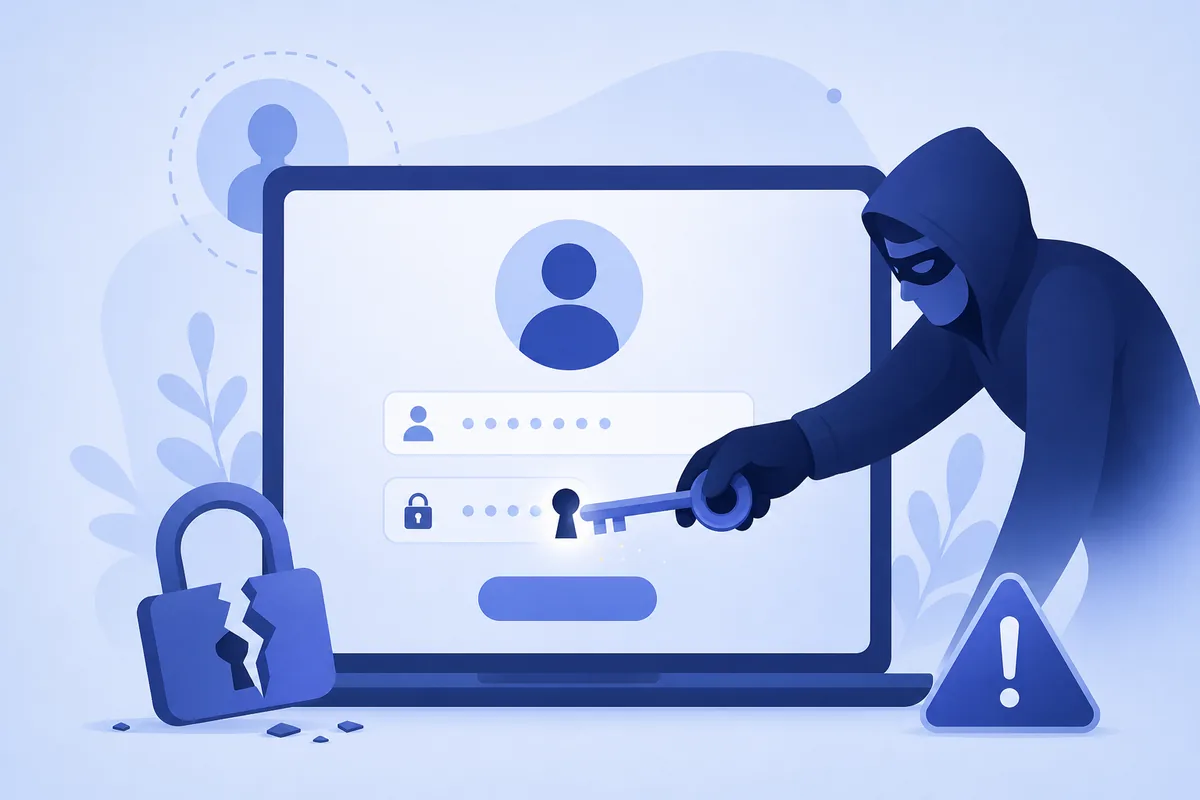
Most breaches you hear about don’t end with the stolen data — they begin with it. Leaked passwords get replayed against other sites, and when one fits, an attacker walks straight into your account. That’s account takeover, and understanding the handful of paths it uses is the fastest way to shut it down.
1. How account takeover happens
Attackers rarely “hack” in the movie sense. They log in with credentials they already have:
- Credential stuffing. Passwords leaked from one site are tried in bulk elsewhere — see credential stuffing. It works because people reuse passwords.
- Phishing. A fake login page or smishing text captures your password (and sometimes your code) in real time.
- SIM swap. An attacker ports your number to their SIM to catch your SMS codes — see SIM swap attacks.
- OTP interception. Codes are phished with an OTP bot or an adversary-in-the-middle page.
2. What happens once they’re in
The first move is almost always to lock you out and lock themselves in:
- Change the password and recovery email/phone.
- Enable their own 2FA so you can’t get back in.
- Drain value: transfer funds, spend loyalty points, send scams to your contacts, or resell the account.
Because the account still looks “normal” to the service, the theft can go unnoticed for days.
3. Which accounts are targeted first
| Account type | Why attackers want it |
|---|---|
| The master key — it resets every other account | |
| Banking / crypto | Direct cash-out |
| Social / messaging | Scam your contacts, impersonation |
| Shopping / loyalty | Stored cards, points, gift cards |
Protect your email first: whoever controls it controls password resets everywhere else.
4. How to stop account takeover
- Turn on a second factor everywhere it’s offered. Even SMS 2FA blocks the password-only attacks that cause most ATO.
- Use unique passwords (a password manager makes this painless), so one leak can’t unlock the rest.
- Prefer phishing-resistant methods — an authenticator app or passkeys — for email, money, and admin accounts.
- Never share a code you didn’t request. A code that arrives unexpectedly means someone already has your password.
5. What this means when you receive codes
A verification code is the tripwire that catches an ATO in progress. If you get a login code you didn’t ask for — whether on a SIM or when you receive SMS online — treat it as a warning that your password is known, and change it immediately. The code is harmless until you type or forward it; the danger is only ever in sharing it.
FAQ
Q: How do I know if my account was taken over? Watch for login alerts from new locations, password/recovery changes you didn’t make, missing messages (attackers delete alert emails), or being logged out unexpectedly.
Q: Does 2FA fully prevent account takeover? It prevents the most common kind — password-only attacks. Determined phishing or SIM swaps can still defeat SMS codes, which is why phishing-resistant factors matter for high-value accounts.
Q: I reused one password everywhere. What now? Change it on your email first, then banking, then everything else, and switch to unique passwords. Enable 2FA as you go.
Takeaway
Account takeover is a login problem, not a movie hack: attackers reuse stolen passwords or phish your codes, then lock you out. A unique password plus a second factor stops the overwhelming majority of it — and an unrequested code is your early-warning siren, never something to share.