 SimSmsBox
 Quick answer: Smishing is phishing delivered by SMS — a scam text that tries to trick you into clicking a malicious link, handing over a password or code, or installing malware. It works because texts feel personal and urgent (“your package is held,” “unusual bank activity”). The defense is simple and absolute: never click links or enter credentials from an unexpected text, and never share a verification code you didn’t request.
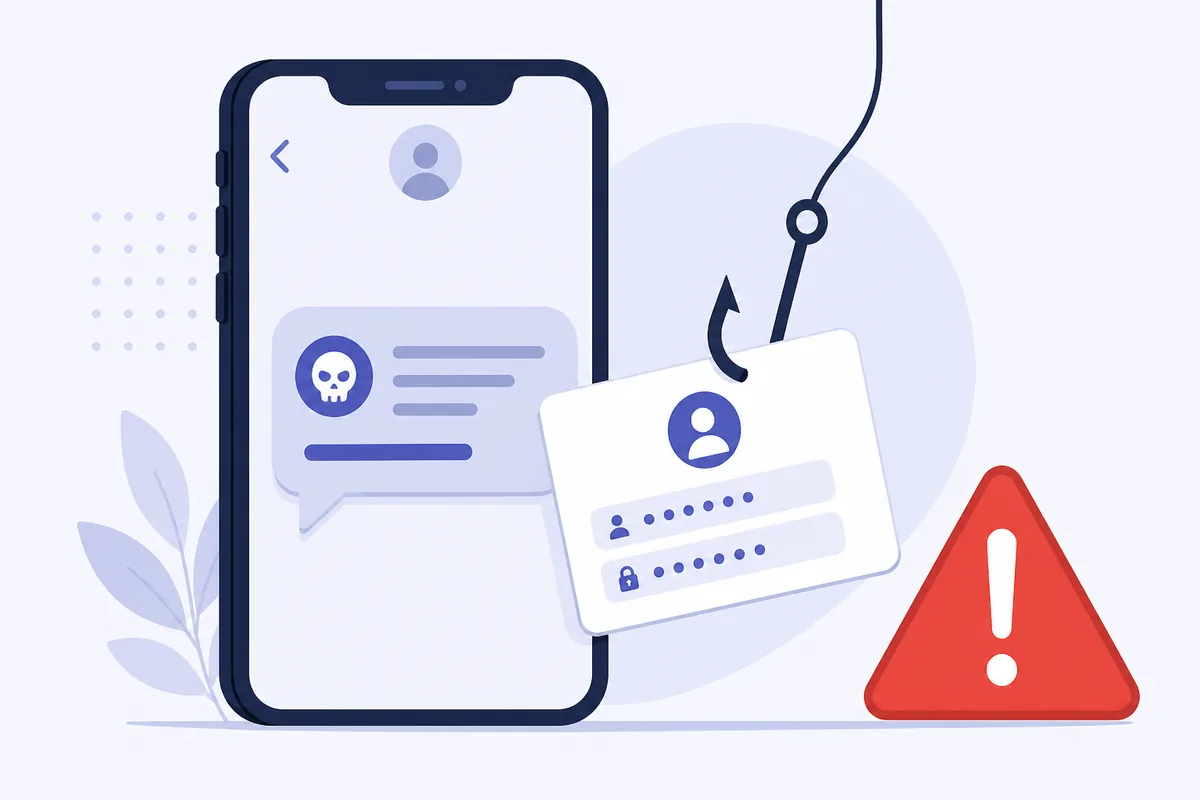
Email phishing is old news, so scammers moved to the one inbox you actually read: your text messages. Smishing (SMS + phishing) lands a convincing message on your phone and counts on urgency to make you act before you think. Here’s how it works and the handful of habits that make you immune.
1. How smishing works
A smishing attack follows a predictable script:
- You get an unexpected text posing as a bank, delivery service, government agency, or a familiar company.
- It manufactures urgency or fear — a held package, a suspicious charge, an account about to close.
- It pushes one action: click a link, call a number, or reply with information.
- The link leads to a fake login page, or the “agent” talks you into revealing a password or verification code.
The text itself does nothing; your reaction is the whole attack. That’s why it’s a social-engineering problem, not a technical one.
2. Common smishing lures
| Lure | The hook |
|---|---|
| ”Package can’t be delivered” | Click to “reschedule” → fake login |
| ”Bank: unusual activity” | Call/click to “verify” → hand over details |
| ”You won / refund pending” | Enter info to “claim" |
| "Your code is 123456. Didn’t request it? Reply STOP” | Baits you into engaging |
These overlap with OTP bot scams and AiTM phishing: different delivery, same goal — get you to hand over access.
3. How to stay safe
- Don’t click links in unexpected texts. Go to the company’s app or type its address yourself.
- Never share a code or password by text or phone, no matter who’s asking — legitimate companies never ask.
- Verify independently: if “your bank” texts, call the number on your card, not the one in the message.
- Don’t reply, even “STOP,” to a clearly fake text — any response confirms your number is live.
- Report and delete. Many regions let you forward spam texts to a reporting shortcode.
The single rule that defeats most smishing: an unexpected message is guilty until proven innocent.
4. What this means if you receive codes online
Smishing targets you, not the delivery channel, so it applies whether codes reach a SIM or you receive them online without a SIM. The protective habit is identical: only act on a code or link tied to something you just started. A code that arrives out of nowhere, or a link you didn’t expect, is a red flag — not an instruction.
If you use online numbers, you’ll sometimes see stray or spam texts land in your panel. Treat them exactly as you would on a phone: read verification codes only for logins you initiated, and never follow links or “confirm” prompts from messages you didn’t ask for.
FAQ
Q: What’s the difference between smishing and phishing? Phishing is the general scam of tricking you into revealing information; smishing is phishing delivered specifically over SMS text messages. The tactics and defenses are the same.
Q: Is it dangerous to just open a smishing text? Opening it is usually harmless — the danger is clicking links, calling numbers, replying, or entering information. Don’t interact; delete it.
Q: The text has my name — is it real? Not necessarily. Scammers buy leaked data, so a text knowing your name or recent purchase can still be fake. Verify through official channels, never through the message.
Takeaway
Smishing is phishing by text, relying on urgency to make you click or hand over a code before thinking. Because the attack is on your reaction, not the technology, the defense is absolute: never act on links or codes from an unexpected message, whether it arrives on a SIM or an online number.