 SimSmsBox
 Quick answer: “Too many verification attempts” means a service has temporarily blocked you after several failed or repeated code requests — a security feature called rate limiting, not a bug. It stops attackers from spamming codes or brute-forcing them, but it also trips honest users who resend too often or mistype. The fix is almost always the same: stop retrying, wait out the cooldown (usually minutes to an hour), then try once, carefully.
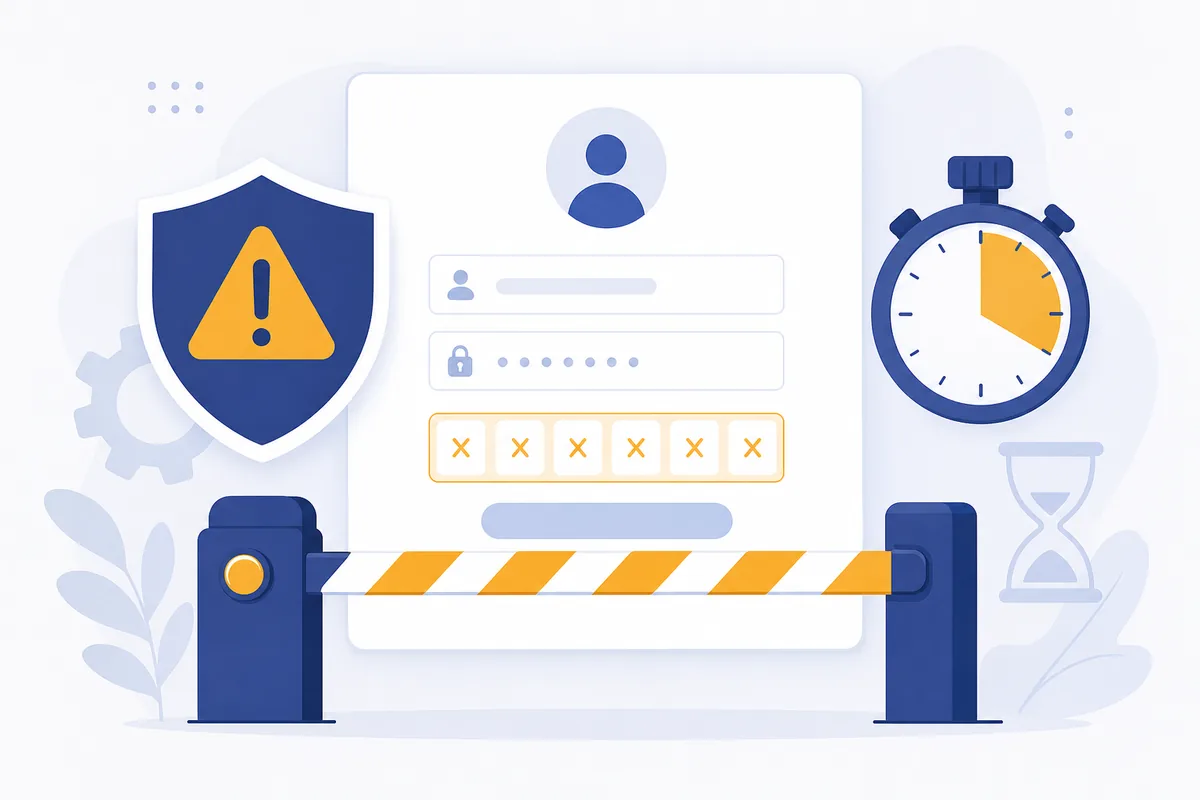
You request a code, it’s slow, you tap “resend” a few times, mistype once — and suddenly you’re locked out with “too many attempts.” Frustrating, but it’s the system working as designed. Understanding why it happens tells you exactly how to get back in without making it worse.
1. What rate limiting is protecting against
Rate limiting caps how many times you can request or enter a code in a given window. It defends two things at once:
- Brute-force guessing: without a limit, an attacker could try thousands of code combinations. A cap makes guessing a 6-digit code hopeless.
- SMS abuse / pumping: endless “resend” requests cost the service money and can be exploited, as in SMS pumping fraud. Limiting requests shuts that down.
So the lockout isn’t punishing you personally — it’s a blunt rule that treats rapid repeats as suspicious, whoever’s behind them.
2. Why honest users trigger it
Most legitimate lockouts come from a handful of habits:
| Trigger | What happened |
|---|---|
| Resend spam | Tapping “resend” repeatedly while a code was just slow |
| Mistyped code | Several wrong entries in a row |
| Expired-then-retry loop | Code lapsed, requested again, repeat |
| Delivery delay | Code was en route; impatience caused extra requests |
Notice the common thread: repetition under impatience. A delayed code (often a routing or delivery issue) makes people retry, and the retries — not the delay — cause the block.
3. How to get back in
The cure is patience, applied deliberately:
- Stop retrying immediately. More attempts extend or re-trigger the cooldown.
- Wait out the window. Cooldowns are typically 15 minutes to an hour; some escalate with each violation.
- Then try once, carefully. Let the code fully arrive, type it slowly, or use autofill to avoid typos.
- If it persists, the issue may be delivery, not you — check whether codes are arriving at all before requesting more.
Resist the urge to hammer “resend.” With rate limits, doing less is how you get back faster.
4. What this means if you receive codes online
Rate limiting lives on the service’s side, so it applies the same whether you use a SIM or receive codes online without a SIM. An online number doesn’t bypass it — the limit is tied to the account or destination number, not your device.
The practical habit: request a code once, wait for it to land in your panel, and enter it promptly. Because impatient re-requests are the main way people get locked out, a calm one-and-done approach is both the fastest and the least likely to trip a cooldown.
FAQ
Q: How long does a “too many attempts” lockout last? Usually 15 minutes to an hour, though it can grow with repeated violations. Waiting without retrying is the reliable reset.
Q: Does requesting from a different number help? Sometimes the limit is per-number, but it’s often tied to the account or IP too. The dependable fix is to wait out the cooldown rather than hunt for a workaround.
Q: Is this a sign my account was hacked? Usually no — it’s typically your own resends or typos. But if you never requested those codes, that itself is a warning sign worth investigating.
Takeaway
“Too many verification attempts” is rate limiting — a deliberate defense against brute-force and SMS abuse that also catches impatient resends and typos. The fix is to stop retrying, wait out the cooldown, then enter one code carefully — and since re-requests are what lock most people out, patience is genuinely the fastest way back in.