 SimSmsBox
 Quick answer: SMS OTP autofill is the feature that lets your phone read an incoming verification code and offer it above the keyboard (or fill it automatically) so you don’t have to switch apps and memorize digits. On iOS it works through a system heuristic plus the
codefield hint; on Android it uses the SMS Retriever / Autofill APIs with a special hash. It only works when the message is formatted correctly and stays on-device for privacy.
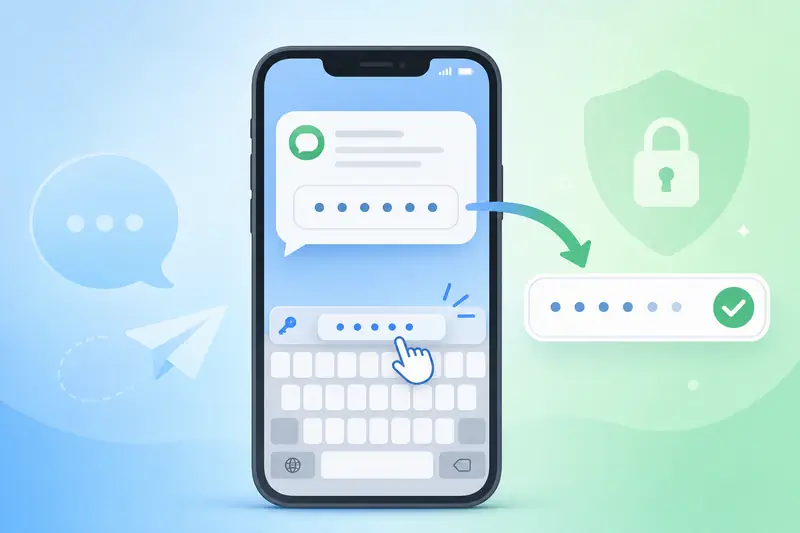
That little “From Messages: 123456” suggestion that pops up over your keyboard feels like magic, but it follows clear rules. Knowing them explains why autofill sometimes fails — and why it never appears when you receive a code on a separate online number.
1. How autofill works on iOS
Apple’s keyboard scans recent SMS for something that looks like a one-time code. It shows the code as a QuickType suggestion when:
- A text field is marked with the
oneTimeCodecontent type (autocomplete="one-time-code"on the web). - The message clearly contains a code, ideally with a domain-bound line like
@example.com #123456. - The SMS arrived recently on the same device.
The matching happens on the phone — the code is not sent to Apple.
2. How autofill works on Android
Android offers two main paths for developers:
- SMS Retriever API: the app receives the code without any SMS permission. The message must end with an 11-character app hash that identifies the destination app.
- Autofill / SMS User Consent API: the user taps a one-time “allow” prompt, then the code is filled.
The web equivalent is the same one-time-code autocomplete hint used by Chrome.
3. Why the message format matters
| Requirement | iOS | Android (Retriever) |
|---|---|---|
| Code in message | Yes | Yes |
| App/domain binding | @domain #code recommended | 11-char app hash required |
| Same device delivery | Yes | Yes |
| Works with forwarded/relayed SMS | Often no | No |
This is why autofill is unreliable for codes received through a web panel or a forwarded number — the SMS never lands in the phone’s own Messages app tied to that field.
4. Autofill, security, and privacy
Autofill is a convenience layer, not a security upgrade. The code is still a shared secret that can be phished or intercepted, so:
- Domain binding (
@example.com) helps because iOS will only suggest the code on a matching site — a small anti-phishing win. - For stronger protection, prefer factors that resist interception entirely, like passkeys over SMS OTP.
- Autofill never exposes your code to the OS vendor; matching is local.
If autofill fails, you can always copy the code manually — see tips in improving your verification success rate.
FAQ
Q: Why doesn’t the code autofill when I use an online receiving number? Because the SMS arrives in a web panel, not the phone’s Messages app tied to the input field, so the OS heuristic never triggers.
Q: Is autofill safe? The matching is on-device and not shared with Apple or Google, but the underlying code is only as safe as any SMS OTP — see what an OTP code is.
Q: Why does iOS only sometimes suggest the code? It needs a recent, clearly formatted code message; vague wording or an old message stops the suggestion.
Takeaway
SMS OTP autofill is a well-defined, on-device convenience: iOS pattern-matches recent codes while Android uses hashes and consent prompts. It saves time and adds a hint of phishing resistance when domains are bound, but it isn’t a security feature — and it simply can’t work when the code lands somewhere other than your phone’s own inbox.