 SimSmsBox
 Short answer: The SMS option is time-gated first and trust-gated second. It only appears after the in-app countdown expires — and even then Telegram will withhold it if the number looks like VoIP, if you have retried too many times, or if the number’s country and your IP do not line up. Restarting the login is the one thing that reliably makes it worse.
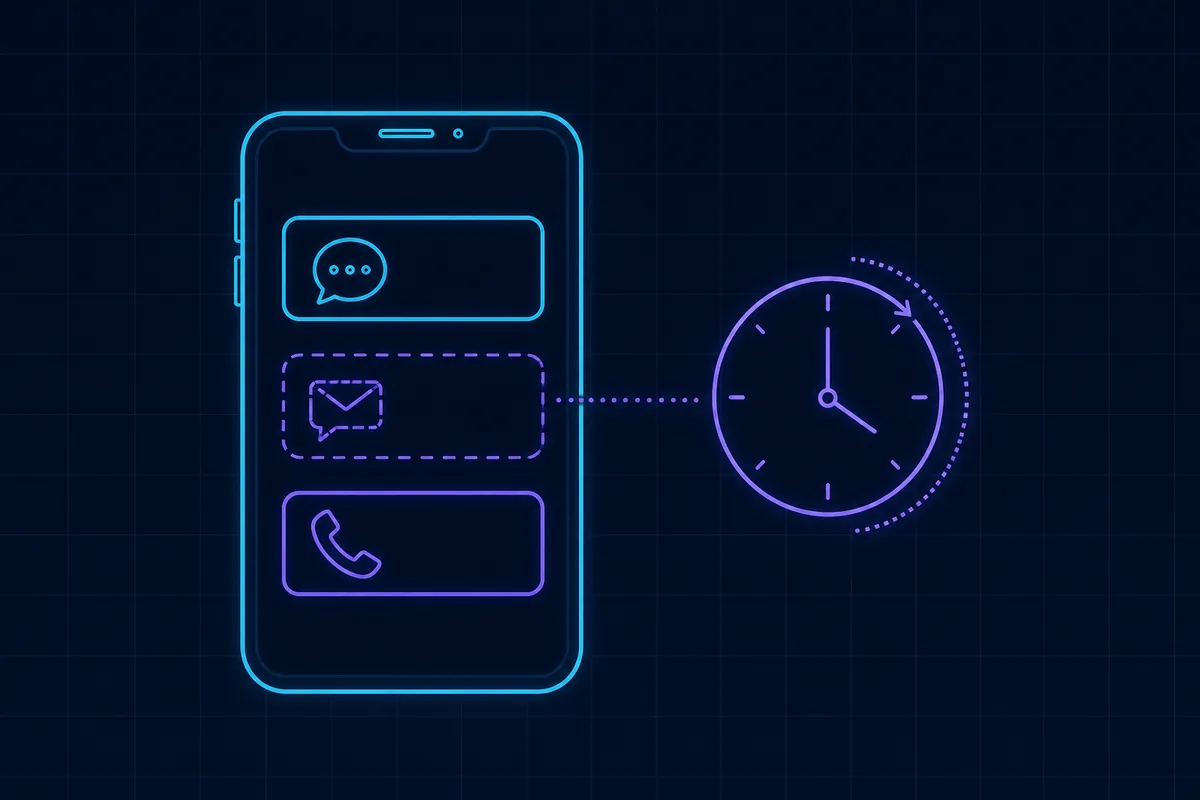
Telegram’s login screen deliberately does not lead with SMS. Understanding the order it tries things explains almost every case of the missing button.
The delivery order
- In-app to any active session, immediately.
- SMS, but only after a countdown — typically a minute or two.
- Voice call, after a further countdown, for some regions and number types.
So the first question is simply whether you waited. The second is whether the account qualifies.
Cause 1: the countdown has not finished
By far the most common. The screen shows a timer, and the SMS control does not exist until it hits zero.
What resets the timer: closing the app, going back and re-entering the number, restarting the login, switching between Telegram and Telegram X. People do all four in the first thirty seconds and then conclude the option is missing.
Leave the screen open and wait. If a session elsewhere already has the code, that is a different situation — see Telegram sent the login code to another device.
Cause 2: the number reads as VoIP
Telegram is stricter about number type than almost any other consumer service. If the range is classified as VoIP or non-mobile, it may never be offered the SMS path at all — the button simply never appears, with no explanation.
This catches a lot of cheap virtual numbers. The distinction and how to check a range are in what is a non-VoIP number and how to tell if a phone number is virtual.
What to change: use a mobile range backed by a real SIM. Comparison in real SIM cards vs virtual numbers.
Cause 3: the number is burned
Numbers that hundreds of people have already registered against carry a poor reputation score, and Telegram quietly declines to spend an SMS on them. Free public inboxes are almost entirely in this state — see the reality of free SMS platforms and phone number reputation scoring.
What to change: a fresh number from a provider that does not recycle aggressively.
Cause 4: you retried too many times
Every restart counts. Past a threshold Telegram rate-limits the account and the number, and during the cooldown no SMS option will appear regardless of what you do. Waiting is the only remedy — details in too many verification attempts.
What to change: stop, wait, and make the next attempt the one that counts.
Cause 5: country and IP disagree
A number from one country used from an IP in another is a standard risk signal, and one Telegram acts on. Sometimes the code is silently not dispatched; sometimes the option never surfaces.
What to change: connect from the number’s country, or use a number from where you actually are. Background in does the country code matter for SMS verification.
Cause 6: the carrier route is filtering
Occasionally the option appears, you tap it, and nothing arrives. That is a delivery problem, not an availability problem — different causes, covered in why SMS codes are delayed and why carriers filter SMS.
Working out which one you have
| What you see | Most likely cause |
|---|---|
| Timer still counting | Cause 1 — wait |
| Timer finished, no SMS button ever appears | Cause 2 or 3 — number type or reputation |
| Button appeared yesterday, not today | Cause 4 — rate limited |
| Button appears, code never arrives | Cause 5 or 6 — mismatch or filtering |
| Voice call offered but not SMS | Number type; take the call |
Take the voice call if it is offered
When Telegram offers a call instead, use it. It reads the code aloud, works on ranges where SMS is blocked, and costs you nothing. It is the fastest fix in this whole article and people ignore it because they were looking for a text. How it differs from SMS delivery: what is voice OTP.
Making the next attempt work
- Pick a mobile-range number, not a VoIP one.
- Match the country to your connection.
- Wait out the cooldown if you have been retrying.
- Open the login once and leave it alone until the timer expires.
- Take the voice call if SMS is not offered.
If you are choosing a number for this, how to use an SMS platform covers the flow and how to choose an SMS platform covers the provider.
Wrapping up
Nine times out of ten the button is missing because the countdown has not finished and every restart put it back to the beginning. When waiting genuinely does not produce it, the cause is the number rather than the app: a VoIP range or a heavily reused one never gets offered the SMS path, and a country-IP mismatch or a rate-limit cooldown suppresses it too. Change the number type before changing anything else, and take the voice call when Telegram offers it. If the code is offered and still does not arrive, continue with SMS code not arriving: causes and fixes.