 SimSmsBox
 Quick answer: SMS verification codes are usually delayed by the delivery path, not your phone — carrier filtering, network congestion, roaming, cross-border routing, or a low-quality grey route. Most codes still arrive in seconds; when one lags, waiting a minute, checking signal, and requesting a resend fixes it. A code that’s late is different from a code that never arrives.
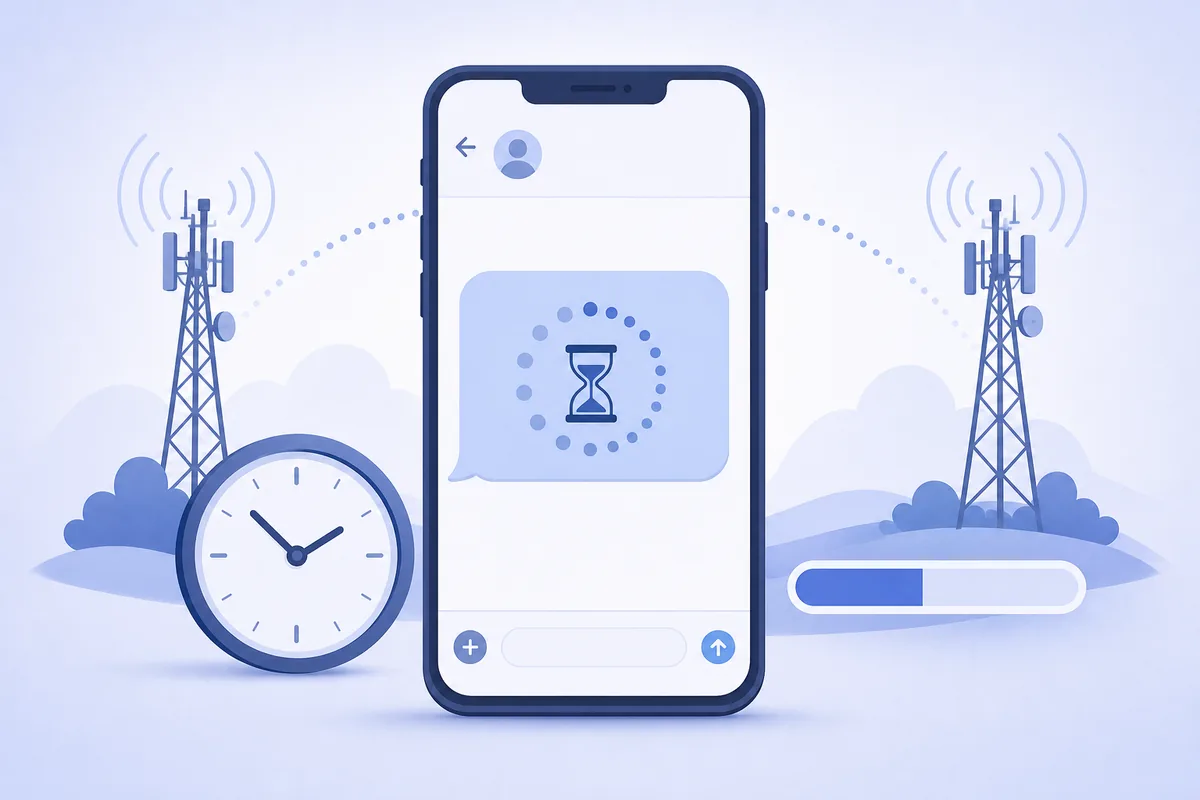
You tap “send code,” and… nothing. Then it arrives 90 seconds later, right after you asked for a second one. SMS feels instant, but each code crosses several networks before it reaches you — and any hop can add delay.
1. Why a code takes longer than expected
A verification text isn’t a direct message from the app to your phone. It travels app → messaging provider → aggregator → your carrier → your handset. Common slow points:
- Carrier filtering. Anti-spam systems hold or inspect messages before delivering — see why carriers filter SMS.
- Network congestion. Peak traffic queues messages briefly.
- Cross-border routing. International codes take more hops and may hit slower grey routes.
- Roaming. If you’re roaming, delivery to your home network adds latency.
- Weak signal. Your phone must be reachable; poor coverage or airplane mode stalls delivery.
2. Late vs never-arriving — tell them apart
| Symptom | Likely cause | What to do |
|---|---|---|
| Arrives after 30–120s | Filtering / congestion / routing | Wait, then resend once |
| Arrives after you resend | Original was queued, not lost | Use the newest valid code |
| Never arrives at all | Wrong number, block, hard filter | See code not received |
| Arrives but expired | You waited past its validity | Request a fresh code |
3. What you can do about it
- Wait about a minute before resending. Rapid re-requests can trigger rate limits that slow things further.
- Check signal and disable airplane mode; move to better coverage.
- Use the latest code. If several arrive, older ones are usually invalid.
- Avoid hammering “resend.” It can queue duplicates and delay delivery.
4. What platforms do to keep codes fast
Providers reduce delay with smart routing — choosing higher-quality direct carrier routes over cheap grey routes, using local sender numbers, and monitoring delivery success. This is exactly why route quality and number sourcing matter: the same code can arrive in 2 seconds or 2 minutes depending on the path it’s sent down.
5. What this means when you receive codes
If you receive codes online, a short delay is normal — the message still crosses real carrier networks. Give it up to a minute, refresh your panel, and request a resend if needed rather than assuming failure. And always enter the most recent code: when delivery lags and you request another, the earliest code may already have expired.
FAQ
Q: Why did my code arrive only after I requested a second one? The first was likely queued in the delivery path, not lost. When it finally lands alongside the new one, use whichever is still valid — usually the newest.
Q: Is a slow code a sign of a scam or hack? No — lateness is almost always a routing or network issue. A code you didn’t request is the security concern, not a slow one you did.
Q: How long should I wait before resending? About 60 seconds. Resending immediately can trip rate limits and make delivery slower, not faster.
Takeaway
Delayed SMS codes come from the delivery path — filtering, congestion, roaming, and low-quality routes — far more often than from your phone. Wait about a minute, check your signal, and use the newest code; persistent lateness points to route quality, which is why smart routing and good number sourcing matter.