 SimSmsBox
 Quick answer: SMS verification is fast and proves “you control this number right now,” so it fits sign-up and higher-risk flows. Email verification is cheap and universal, so it fits account recovery and secondary checks. Both fear phishing; SMS also fears SIM swaps, email fears a hijacked inbox. The ideal setup is “SMS to sign up, email as backup” — two complementary channels.
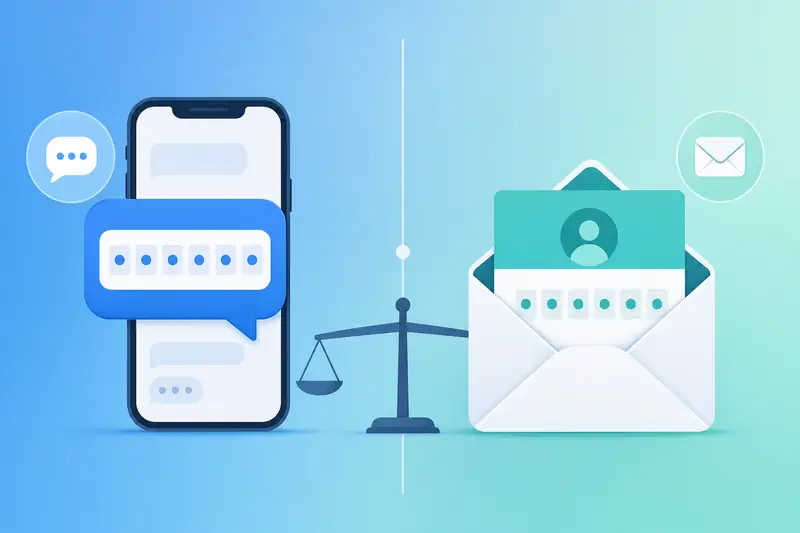
When you sign up for a new service, you’ll meet two common checks: a code texted to your phone, or a code emailed to your inbox. They both look like “type in a code,” but they differ a lot in speed, security, privacy, and cost. This guide sorts them out and tells you which to use when.
1. What each one actually verifies
- SMS verification confirms whether you currently control this phone number. Because numbers are relatively scarce and tied more tightly to real people, they act as a stronger identity signal.
- Email verification confirms whether you can open this inbox. Email accounts are basically free and unlimited, so as an identity signal they’re weaker.
Both are really just sending you a one-time password (OTP) to type back. The difference is the carrier and the trust it implies.
2. Six dimensions compared
| Dimension | SMS verification | Email verification |
|---|---|---|
| Speed | Usually seconds to a minute | Fast, but may land in spam |
| Identity strength | Stronger (numbers are scarce) | Weaker (unlimited signups) |
| Cost | Platform pays gateway fees | Nearly zero |
| Privacy | Exposes your phone number | Exposes your email address |
| Main risk | SIM swap, virtual numbers rejected | Falls with a hijacked inbox |
| Best for | Sign-up, login, payment checks | Password recovery, minor notices |
3. Which is actually more secure
There’s no absolute winner — it depends on which end an attacker can break more easily:
- If your email password is weak and has no 2FA, email verification is nearly useless — breaking the inbox means owning the code.
- If your number is exposed to SIM swapping (someone re-issues your SIM), SMS verification gets bypassed too.
- Neither stops phishing: if you hand the code to a fake page yourself, no channel can save you.
So the smarter approach isn’t either-or, it’s both channels + 2FA on each: SMS for primary verification, email for recovery, so a failure on one end still leaves a backstop.
4. Which to use when
- Signing up for higher-risk services (social, finance, AI): prefer SMS; platforms trust numbers more. If a code won’t arrive, first check your number type — see Real SIM vs virtual numbers.
- One-off, low-risk sign-ups: email verification is simpler and exposes your number less.
- Account recovery / secondary confirmation: email works well as a complement to SMS.
- Don’t want to expose your everyday number: use a disposable phone number to receive the SMS code while protecting your privacy.
5. Common pitfalls
- Email code in spam: check the Spam folder and whitelist the sender domain.
- SMS code never arrives: usually a number-type or country mismatch. If you don’t have a suitable number, you can receive SMS online without a SIM.
- Both keys in one place: if your phone receives the SMS and stays logged into your email, losing the phone loses both ends. Split them for important accounts.
FAQ
Q: Is email-only verification safe? It depends on how secure the email itself is. With a strong password plus 2FA, it’s decent; otherwise it’s fragile.
Q: Why do some platforms force SMS and refuse email? Because a phone number filters out bulk throwaway accounts and bots better, so stricter platforms lean on it.
Q: Should I enable both SMS and email? Strongly recommended. Every extra verification channel adds another layer of recovery and protection.
Takeaway
SMS wins on “strong identity + speed”; email wins on “low cost + broad coverage.” Instead of agonizing over which, keep both channels and enable 2FA on each. Once you know what each one verifies and what it fears, you can make a smarter choice on every sign-up page.