 SimSmsBox
 Short answer: The message means the code was already redeemed — not that you typed it wrong. There are three causes: you submitted it twice (double click, back button, refresh), another session consumed it (second tab, second device), or the number is shared and someone else read the message first. The first two are fixed by requesting a fresh code. The third requires a different number.
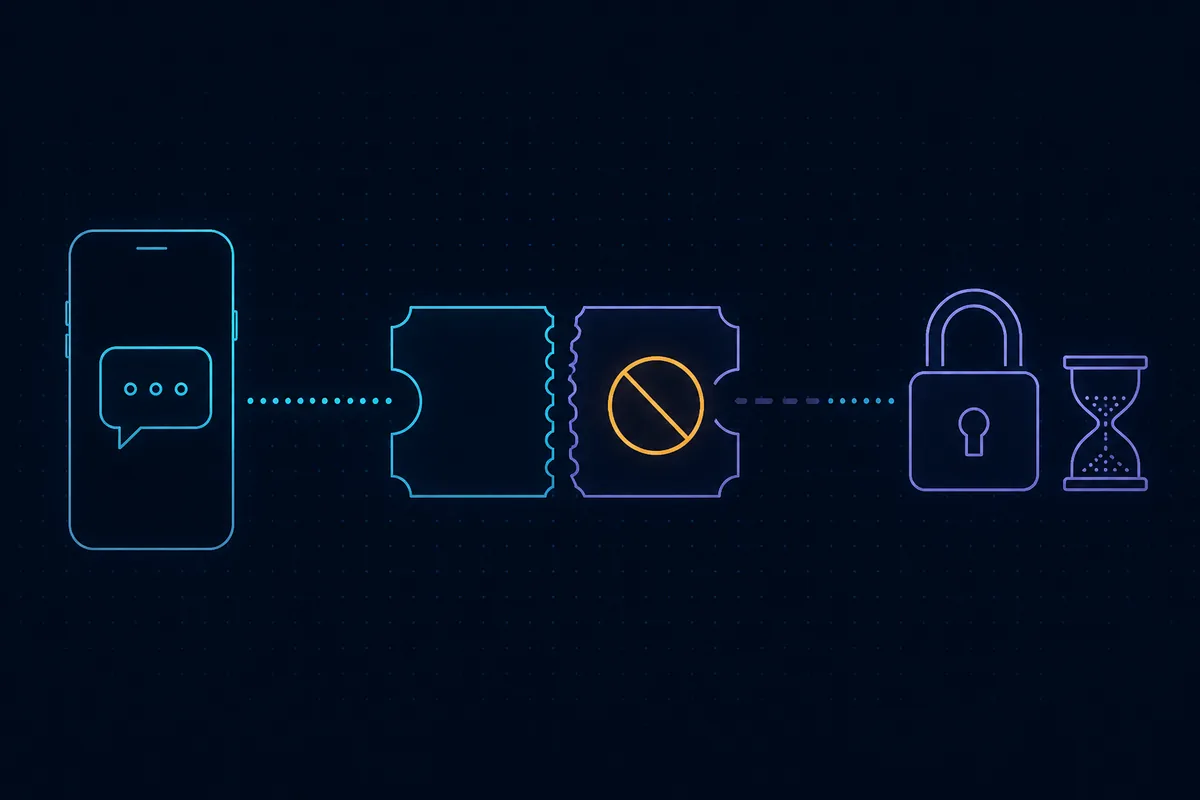
Start by separating two errors that look similar. “Invalid” or “expired” means the system doesn’t recognise the code or the timer ran out. “Already used” means the system recognises it perfectly and remembers redeeming it. One-time passwords are designed to burn on use, which is what stops replay attacks — background in what is a one-time password.
Telling the three apart
| What you saw | Most likely cause | Fix |
|---|---|---|
| The page hung and you clicked submit twice | Duplicate submission | Refresh and request a new code |
| You also requested a code on another tab or device | Session conflict | Close the extras, run one flow |
| You’re using a shared receive-SMS number | Someone else redeemed it | Switch to a dedicated number |
| It’s a membership or coupon code, not an SMS code | Single-use voucher | Contact the issuer; it can’t be reused |
That last row deserves a note. A share of people hitting this message aren’t dealing with an SMS code at all — they have a membership verification code, coupon, or activation key. Those are single-redemption vouchers: once spent, permanently spent, and requesting a new one isn’t an option. The tell is simple. Four to eight digits arriving by text or email is an OTP. A long alphanumeric string printed on a card or sent in a fulfilment email is a voucher.
Cause one: you submitted it twice
By far the most common, and it happens when:
- A slow network tempts a second click on submit. The first request already redeemed the code; the second arrives holding a spent one.
- You hit the browser back button and resubmitted. The form still holds the old code.
- You refreshed and confirmed the “resend form data” prompt.
Fix: stop reusing that code and request a new one. If the new request also fails, you have probably hit a cool-down — see “too many verification attempts”.
Cause two: another session got there first
Many services keep only the most recent code valid, invalidating earlier ones on each new request. So:
- You requested once in the app and once on the website. Two codes exist; only the later one works, and submitting the earlier one reads as used or invalid.
- Two tabs are running the same signup. Different session IDs, and the server only honours one.
Fix: close every other tab and device session, then complete the whole flow in one place. Don’t request again elsewhere mid-flow.
Cause three: the inbox is shared
This one only happens with public inboxes or pooled numbers, and it’s the one worth taking seriously:
- Free public inbox sites. The number is listed publicly and anyone can refresh the page. Whoever reads your code first can spend it. The structural problem is covered in free SMS platforms: what still works.
- A pooled number with a previous renter’s flow still open. Their codes and yours land in the same inbox.
- The number was registered before. That usually surfaces as “already registered” rather than “already used”, but the two frequently appear together.
Fix: move to a dedicated number. Shared inboxes risk more than a stolen code — they risk the account itself. Judging providers is covered in are SMS receive platforms safe and overseas SMS platform recommendations.
Work through it in this order
- Decide whether this is an SMS OTP or a voucher. If it’s a voucher, everything below is irrelevant — contact the issuer.
- Close every other tab and device running the same flow.
- Refresh and request a genuinely new code. Don’t retype an older one from your message history.
- Wait about a minute before requesting again so you don’t trip rate limiting.
- If two consecutive codes both come back as used, change the number. That pattern says the inbox isn’t exclusively yours.
- If a new number doesn’t help, the problem is on the delivery side rather than the redemption side — work through SMS not arriving on the platform.
Neighbouring errors that mean something else
- “Invalid or expired code” — unrecognised or timed out; see why do OTP codes expire.
- “Verification code error” when you never received a code — you may be filling in a CAPTCHA field. Triage in verification code error on submit.
- Codes you never requested — someone is testing your number; see getting verification codes you didn’t request.
- A flood of codes — see what is OTP bombing.
Why codes can’t be reused
This isn’t stinginess in the product design. Single use is the basic requirement for replay resistance: if a code worked twice, anyone who intercepted it — malware, a bystander on a shared inbox, a man in the middle — could use it after you. Expiry windows exist for the same reason. So the message is the security model working as intended. It’s telling you this code no longer belongs to you.
In short
“Already used” means redeemed, not mistyped. Duplicate submissions and multi-session conflicts account for the overwhelming majority, and both are solved by requesting a fresh code while running exactly one flow. If fresh codes keep coming back as used, the inbox isn’t yours alone — and a dedicated number is the only real fix.