 SimSmsBox
 Quick answer: Authentication proves who you are; authorization decides what you’re allowed to do. Logging in with a password and a verification code is authentication. Being able to view a file but not delete it is authorization. Authentication always comes first — the system confirms your identity, then checks your permissions. They’re often confused because they happen back-to-back, but they answer two different questions.
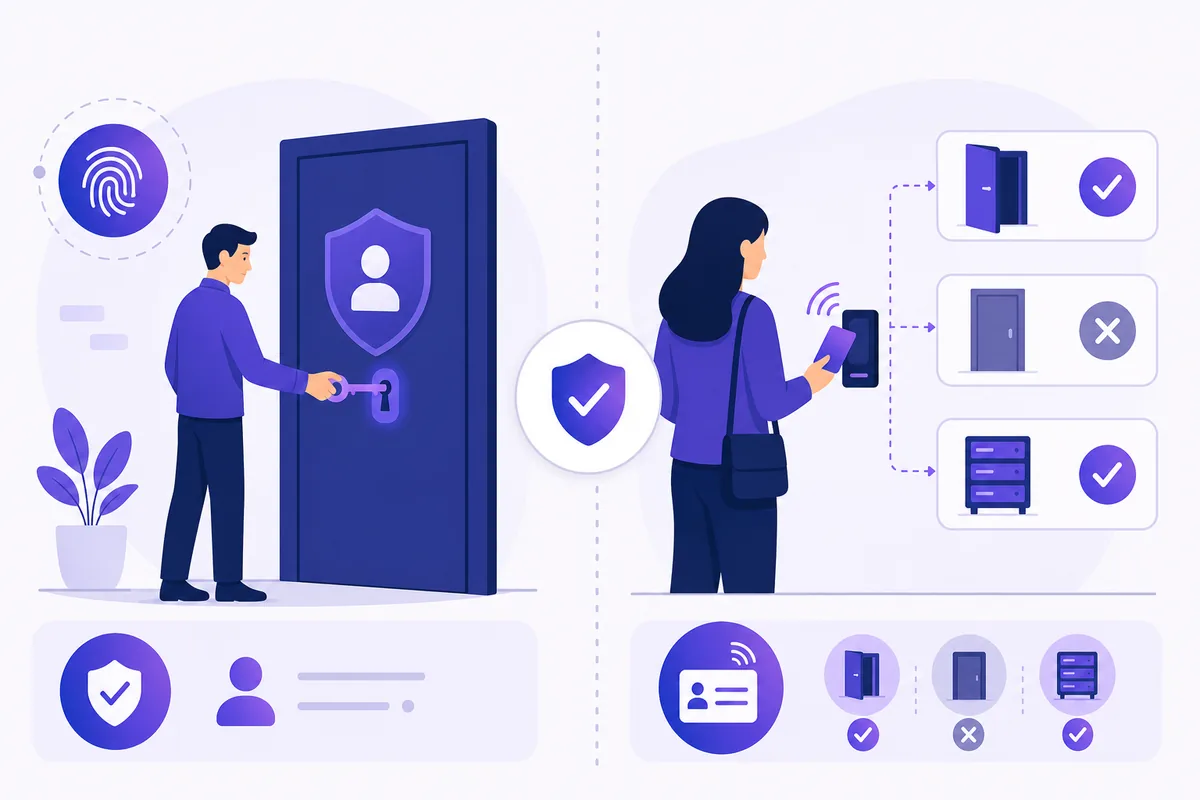
“Authentication” and “authorization” sound almost identical and are constantly mixed up, yet they’re two distinct steps that happen every time you use an app. Getting the difference straight makes security concepts — and why you enter a code at login — click into place.
1. Two different questions
- Authentication (AuthN) answers “Are you who you claim to be?” You prove identity with something you know (password), have (phone/verification code), or are (fingerprint).
- Authorization (AuthZ) answers “Now that we know who you are, what may you access?” It’s the set of permissions tied to your identity.
A simple analogy: authentication is showing your ID to enter the building; authorization is which floors and rooms your keycard opens once you’re inside.
2. Why order matters
Authentication always comes first. The system can’t decide what you’re allowed to do until it knows who you are. Only after your identity is confirmed does it consult your permissions.
| Authentication | Authorization | |
|---|---|---|
| Question | Who are you? | What can you do? |
| Happens | First | After authentication |
| Example | Login + code | Admin vs regular user |
| Proof | Password, OTP, biometric | Roles, permissions |
Mixing them up causes real bugs: treating a logged-in user as automatically allowed to do anything is a classic security flaw. Being authenticated doesn’t mean being authorized.
3. Where verification codes fit
A one-time code is purely an authentication tool — it’s part of proving you’re really you, usually as the second factor in 2FA. It says nothing about your permissions.
That’s a useful clarity: adding a verification step strengthens authentication (harder to impersonate you), but it doesn’t change authorization (what your account can access). The two are improved by different means — codes and passkeys for the first, roles and permissions for the second.
4. What this means if you receive codes online
Because verification codes belong to the authentication step, receiving a code online is simply about completing the “prove who you are” phase for an account you’re accessing. Authorization is decided entirely by the service afterward, based on that account’s role — no receiving method affects it.
This also frames the security limits sensibly: catching a code online helps you authenticate into your own account, but it grants no special authorization. You get exactly the permissions that account already has — which is precisely why protecting the authentication step (never sharing a code, guarding against smishing) matters so much.
FAQ
Q: What’s the easiest way to remember the difference? Authentication = identity (“who are you”); authorization = permissions (“what can you do”). ID check to enter the building vs. which doors your keycard opens.
Q: Is entering a verification code authentication or authorization? Authentication. A code helps prove your identity (often as a second factor). It has nothing to do with what you’re then permitted to access.
Q: Which happens first? Authentication. The system must confirm who you are before it can determine your permissions.
Takeaway
Authentication proves who you are; authorization decides what you can do — identity first, permissions second. Verification codes live entirely in the authentication step, so receiving one (on a SIM or online) only helps confirm identity; it grants no extra permissions, which is why guarding that code matters.