 SimSmsBox
 Quick answer: You can recover an account without your phone number by using the backup methods you (hopefully) set up earlier: recovery email, backup codes, an authenticator app, a hardware key, or the service’s identity-verification process. The catch is that most of these must be arranged before you lose access. If your only recovery method was SMS, you’re left with the slower manual account-recovery path — which is exactly why relying on a single phone number is risky.
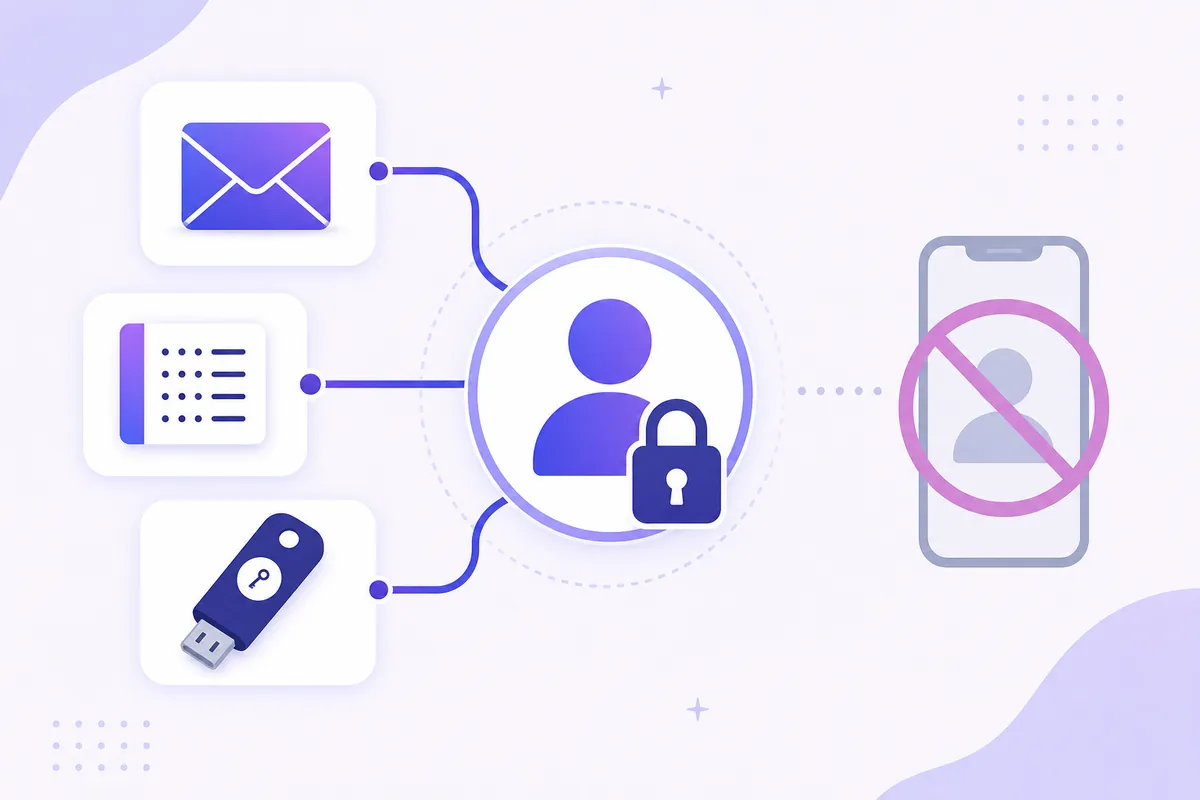
Losing access to your phone number — a lost SIM, a ported number, travel without signal, or a recycled number — shouldn’t mean losing your accounts. But whether you can recover smoothly depends almost entirely on what you set up in advance. Here’s how account recovery works without SMS, and how to make sure you’re never stuck.
1. The recovery methods that don’t need your number
Well-designed accounts offer several fallbacks. Any of these can stand in for an SMS code:
- Recovery email: a reset link or code sent to a secondary address you control.
- Backup codes: one-time codes you saved at 2FA setup — the cleanest offline fallback.
- Authenticator app: generates codes on your device with no phone number involved.
- Hardware security key: a physical key you tap or plug in.
- Trusted device / passkey: an already-signed-in device or a passkey can re-establish access.
The theme: each is a possession or knowledge factor independent of your mobile line.
2. When your only method was SMS
If SMS was your sole recovery channel and you can’t receive texts, you fall back to the service’s manual account recovery:
| Path | Speed | Notes |
|---|---|---|
| Backup code / recovery email | Instant | If set up beforehand |
| Authenticator / hardware key | Instant | If enrolled |
| Manual identity recovery | Days | Forms, ID checks, waiting |
Manual recovery typically means submitting identity proof and answering account-history questions, then waiting for review. It works, but it’s slow and not guaranteed — the price of having no independent backup.
3. Set this up before you need it
The entire problem is preventable with a few minutes of setup on important accounts:
- Add a recovery email and keep it accessible.
- Save backup codes offline the moment you enable 2FA.
- Enroll a second factor that isn’t SMS — an app or key — so a lost number never locks you out.
- Keep recovery info current — an old recovery email is as useless as a lost number.
Do this once per critical account and “I lost my phone” becomes a minor inconvenience instead of a crisis.
4. What this means if you receive codes online
If you use an online number to receive codes without a SIM, recovery planning still matters — an online number depends on the provider and your panel access, so it shouldn’t be your only lifeline for an account you must keep. Pair it with a non-SMS backup like saved codes or an authenticator.
The broader principle: SMS (whether on a SIM or online) is a great convenience factor, but anything you’d hate to lose deserves at least one recovery method that doesn’t depend on a phone number at all.
FAQ
Q: Can I recover an account if I lost my phone number and set up nothing else? Yes, but only through the service’s manual identity-recovery process, which is slow and may require ID. Backup codes or a recovery email would have made it instant.
Q: What’s the single best backup to set up? Backup codes stored offline, plus a recovery email. Both work without any phone number and take seconds to configure.
Q: Is an authenticator app better than SMS for recovery? For resilience, yes — it isn’t tied to your mobile line, so losing your number doesn’t lock you out. Keep backup codes too, in case you lose the device.
Takeaway
You can recover an account without your phone number using a recovery email, saved backup codes, an authenticator app, or a hardware key — but nearly all of these must be set up in advance. If SMS is your only method, you’re stuck with slow manual recovery, so add one phone-independent backup to every account you can’t afford to lose.