 SimSmsBox
 Viber uses your phone number as the account identity, so registering — or moving your account to a new phone — always runs through an SMS code. If your local number can’t receive it, or you want to sign up with an overseas number, you can finish with a number that receives SMS. Follow the steps below.
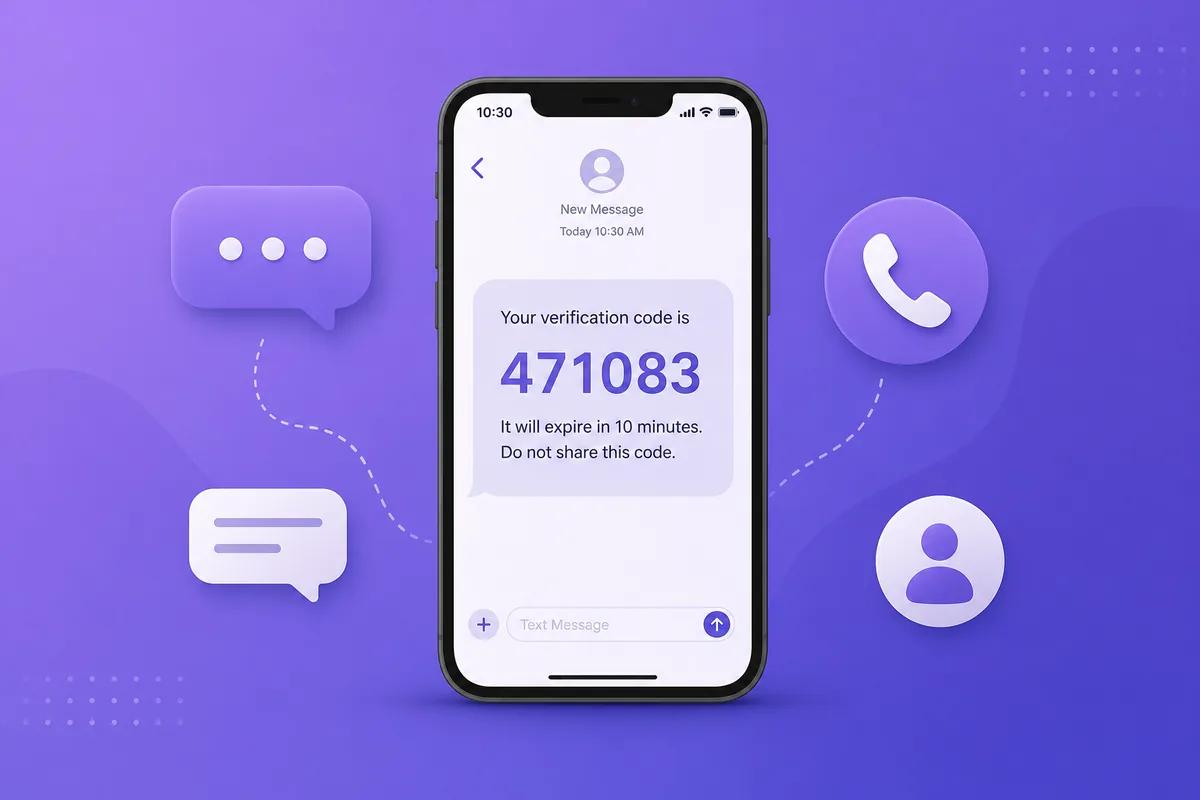
Why Viber verification gets stuck
- Phone number = account: Viber needs a number that can actually receive the SMS.
- Virtual / VOIP numbers get rejected: prefer a real SIM, see Real SIM vs virtual numbers.
- One number, one account: a number is tied to a single Viber account at a time.
- Waiting only on the call: receive-code numbers usually don’t answer voice calls, so use the SMS channel.
Register Viber with SimSmsBox
Step 1: Pick a country close to your network
Step 2: Order a Viber-capable number
curl -X POST https://api.simsmsbox.com/api/sms/orders/purchase -H "X-API-Key: psk_xxx" -H "Content-Type: application/json" -d '{"service":"viber","country":"US","cardKind":"physical","rentDays":30}'
# -> { "orderId": 129, "phone": "+1xxxxxxxxxx", ... }
Step 3: Enter the number and request the code
Enter the number in Viber and choose “Send via SMS” — don’t tap “Call me”, because receive-code numbers usually don’t answer voice calls.
Step 4: Poll to retrieve the code
curl https://api.simsmsbox.com/api/sms/orders/129 -H "X-API-Key: psk_xxx"
# -> { "status": "received", "latestCode": "471083" }
For cadence, see Automated ordering and polling — query every few seconds after ordering, don’t hammer it.
Step 5: Enter the code to finish
Put latestCode back into Viber to finish. A number can be tied to only one Viber account at a time.
Common issues and fixes
| Symptom | Cause | Fix |
|---|---|---|
| Only “Call me” appears | SMS channel briefly unavailable, or countdown not finished | Wait out the countdown then tap “Send via SMS”; if it still fails, swap the number |
| No SMS at all | Range risk-flagged / no upstream stock | Cancel and swap, see SMS code not arriving |
| ”Number already registered” | That number is tied to another Viber account | Use a fresh number |
| ”Try again later” | Too many requests | Wait, or switch numbers |
Wrap-up
Viber verification usually stalls because the number can’t receive SMS or you waited on the call. Pick a real SIM, prefer the SMS channel, and poll patiently. Further reading: How to choose an SMS platform.