 SimSmsBox
 Quick answer: SIM cloning copies the secret keys off a SIM card so a duplicate can receive your calls and texts; a SIM swap instead tricks your carrier into moving your number to the attacker’s SIM. Cloning attacks the card; swapping attacks the account. Cloning is rare and hard on modern SIMs, while SIM swaps are the far more common real-world threat to your SMS codes.
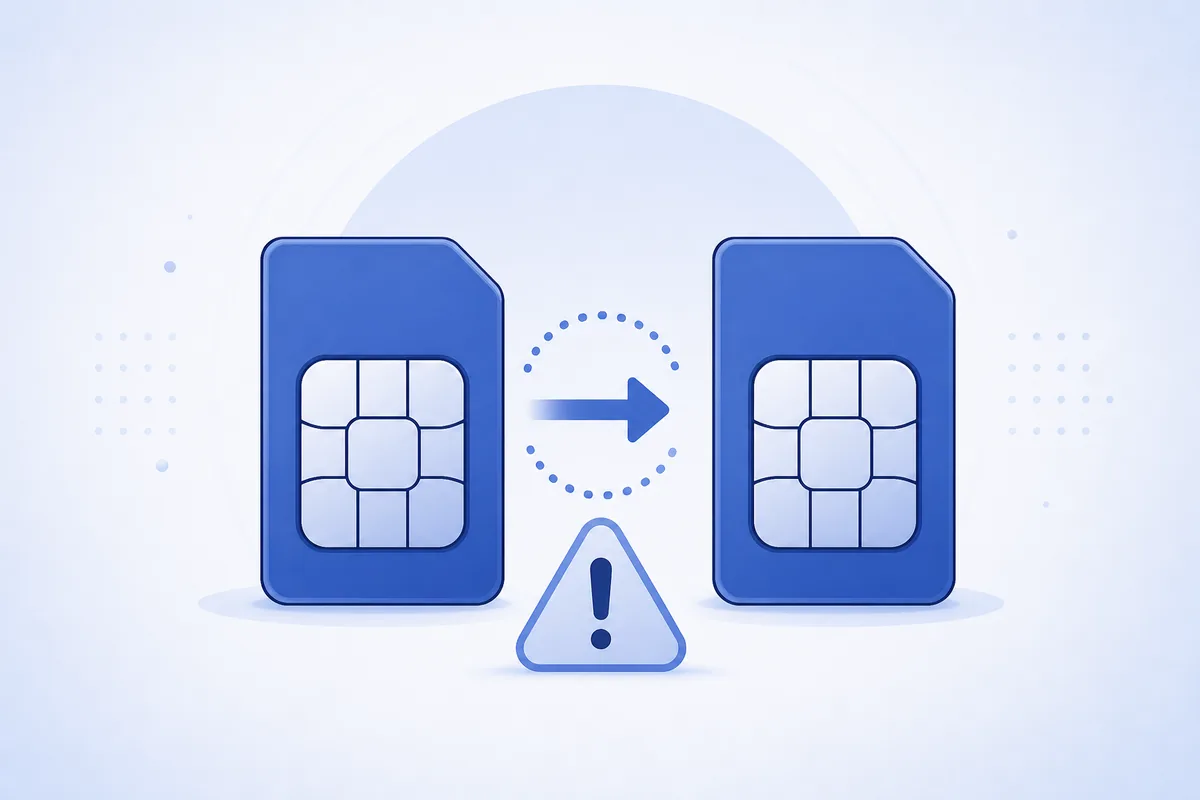
Both attacks end the same way — your verification codes ring on someone else’s phone — but they get there very differently. Knowing which is which tells you what actually protects you (and what’s mostly a myth on today’s networks).
1. What SIM cloning is
Every SIM stores secret identifiers (an IMSI and an authentication key) that prove it to the network. Cloning means extracting those secrets and writing them to a blank SIM, producing a duplicate the network can’t easily tell apart.
On very old 2G SIMs, weaknesses sometimes made this possible with physical access. Modern SIMs use stronger algorithms that keep the key from ever leaving the card, so practical over-the-air cloning is largely obsolete. Real risk today usually needs physical possession of your SIM.
2. What a SIM swap is
A SIM swap doesn’t touch the chip at all. The attacker contacts your carrier posing as you — armed with leaked personal data — and asks to “activate a new SIM” or port the number. The carrier moves your number to their SIM, and your phone goes dead while their phone starts receiving your calls and texts. It’s social engineering against the carrier, not cryptography against the card.
3. Cloning vs swap at a glance
| SIM cloning | SIM swap | |
|---|---|---|
| What’s attacked | The SIM card’s secret keys | Your carrier account |
| Needs your physical SIM? | Usually yes | No |
| Feasible on modern SIMs? | Rarely | Yes — common |
| Your original SIM | Both may work briefly | Goes dead |
| Main defense | Physical control of SIM | Carrier PIN + strong ID checks |
4. How to protect yourself
- Set a carrier port/transfer PIN. This is the single best defense against SIM swaps.
- Keep your SIM physically secure, and be cautious with old 2G-only SIMs.
- Watch for sudden loss of signal — an unexpected “no service” can mean your number was moved.
- Move high-value accounts off SMS to an authenticator app or security key, which a cloned or swapped SIM can’t capture.
- Reduce exposure by not reusing your main number everywhere — real-SIM services and real vs virtual numbers each carry different trade-offs.
5. What this means for receiving codes
Both attacks defeat SMS 2FA by capturing the text itself, which is why a code alone should never be your only protection. Pair every SMS code with a strong, unique password, and prefer an on-device factor for your most sensitive logins. If you receive codes online on a number you don’t rely on for personal identity, a swap of your personal line doesn’t expose those logins — but the same habit applies: only ever use a code for something you started.
FAQ
Q: Can someone clone my SIM just by calling me or texting me? No. Cloning needs the card’s secret keys, which on modern SIMs effectively requires physical access — not a call or message.
Q: Which is more common, cloning or swapping? SIM swapping, by far. It targets the carrier’s support process, which is easier to exploit than modern SIM cryptography.
Q: How do I know if I’ve been SIM-swapped? Your phone suddenly loses all service, you can’t call or text, and you may get login or password-reset alerts you didn’t trigger. Contact your carrier immediately.
Takeaway
SIM cloning copies the card; a SIM swap hijacks the account — and today the swap is the real threat. Lock your number with a carrier transfer PIN, watch for surprise loss of signal, and keep your most valuable accounts on a factor that a stolen SIM can’t receive.