 SimSmsBox
 Revolut is a digital bank, so signup runs through phone verification and identity checks (KYC). You can receive the verification code with a real-SIM number to explore the flow — but for an account that will hold money, use your own long-term number, because virtual numbers are frequently rejected here.
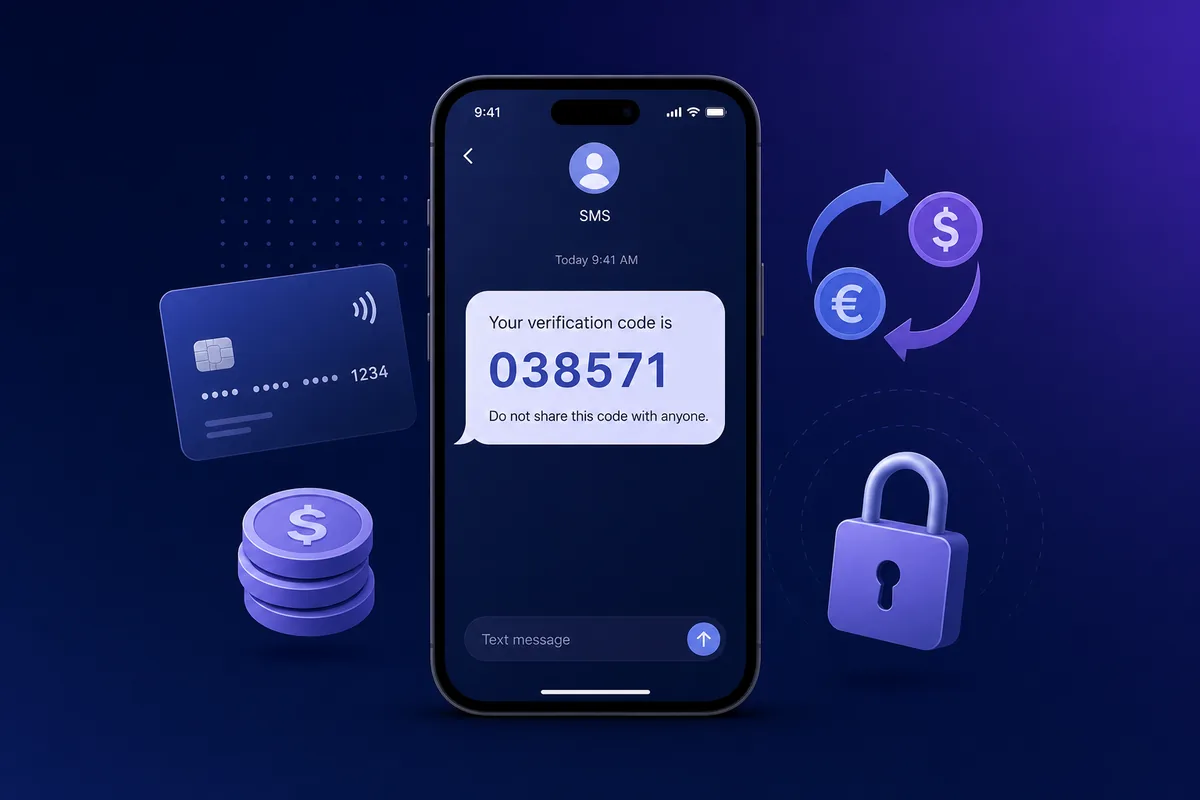
Why Revolut verifies your phone and runs KYC
- Financial compliance & identity: digital banks must run identity verification (KYC) by law.
- Account & funds security: phone verification protects your money account.
- Virtual numbers get rejected: prefer a real SIM, see Real SIM vs virtual numbers.
Verify Revolut with SimSmsBox
Step 1: Order a number
Prefer a real SIM and a country close to where you’ll use the account:
curl -X POST https://api.simsmsbox.com/api/sms/orders/purchase -H "X-API-Key: psk_xxx" -H "Content-Type: application/json" -d '{"service":"revolut","country":"GB","cardKind":"physical","rentDays":30}'
# -> { "orderId": 85, "phone": "+44xxxxxxxxxx", ... }
Step 2: Enter the number and request the code
Step 3: Poll to retrieve the code
curl https://api.simsmsbox.com/api/sms/orders/85 -H "X-API-Key: psk_xxx"
# -> { "status": "received", "latestCode": "038571" }
For cadence, see Automated ordering and polling.
Important: the safety boundary for funds accounts
This account holds real money, so put security first:
- Use your own long-term number for the account you fund. A recycled receive-code number can create recovery risk later.
- Prefer an authenticator app (TOTP) over SMS for 2FA where available; see Security key vs SMS 2FA.
- Stay compliant with local law and the platform’s terms.
Common issues and fixes
| Symptom | Cause | Fix |
|---|---|---|
| No SMS at all | Range risk-flagged / no upstream stock | Cancel and swap, see SMS code not arriving |
| ”Number can’t be used” | Virtual / VOIP number rejected | Switch to a real SIM |
| ”Try again later” | Too many requests | Wait, or switch numbers |
Wrap-up
Revolut’s verification receives fine on a real SIM, but keep a funded account on your own long-term number. Further reading: How to choose an SMS platform.