 SimSmsBox
 Quick answer: Push 2FA and SMS codes are two ways to approve a login. With push, the service sends a prompt to an app on your phone and you tap “Approve” or “Deny” — no code to type. With SMS, it texts a code you enter yourself. Push is smoother and dodges code-phishing, but it needs a smartphone with the right app and internet; SMS works on any phone that can receive a text, which is why SMS OTP is still the universal fallback.
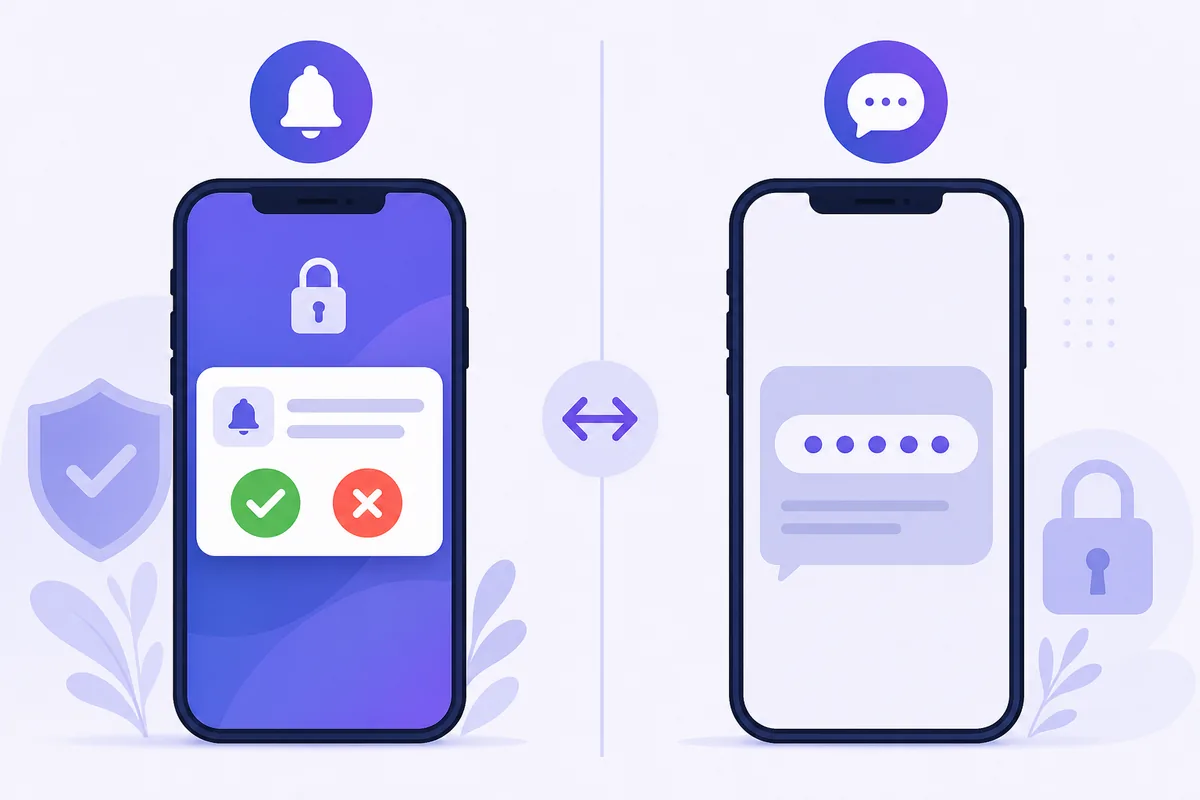
The second step of a login increasingly comes in one of two forms: a pop-up on your phone asking “Was this you? Approve / Deny,” or a plain text with a code. Both are second factors, but they lean on very different things — an app-plus-internet on one side, the phone network on the other. Here’s how they compare and when each makes sense.
1. Approve a prompt vs type a code
Both add a second factor on top of your password, but the action is different:
- Push 2FA: After you enter your password, the service pushes a notification to a trusted app on your registered phone. You see context — often the app, location, and time — and tap Approve or Deny. Nothing is typed.
- SMS code: The service sends a one-time code by text. You read it and type it into the login screen, the same mechanism explored in SMS vs authenticator 2FA.
Push replaces “read and transcribe” with “review and tap,” which is both faster and gives you a moment to notice a login you didn’t start.
2. The trade-offs side by side
| Factor | Push 2FA | SMS code |
|---|---|---|
| What you do | Tap Approve / Deny | Read and type a code |
| Needs | Smartphone + app + internet | Any phone that gets texts |
| Shows login context | Yes (app, location, time) | No |
| Main weakness | ”Approval fatigue” — tapping yes on autopilot | Interception, SIM swap, phishing |
| Works on an online number | No | Yes |
Push’s headline risk is MFA fatigue: attackers with your password spam approval prompts hoping you tap “Approve” reflexively. Good push systems fight this with number-matching (you type a number shown on the login screen into the app), which restores a deliberate step.
3. Which is better?
For security-and-smoothness on a modern smartphone, push generally wins — it shows context, resists code-phishing, and takes one tap. But it has hard requirements: a specific app, a data connection, and a device that can run it. The moment any of those is missing — a new phone, no signal, a feature phone, an app not installed — push can’t complete.
That’s why virtually every service that offers push also offers SMS as the fallback. SMS asks almost nothing of the device: if it can receive a text, it works. Reliability and universality are exactly where SMS still earns its place, much like the reasoning in why SMS OTP endures.
4. What this means if you receive codes online
Push 2FA is bound to a specific app instance on a specific phone — there’s no message to route anywhere, so an online number can’t take part in a push approval at all. If a service only offers push, an SMS-receiving service isn’t in that flow.
SMS is the opposite: the code travels to a number, and that’s precisely what makes receiving codes online without a SIM work. When a login lets you pick “approve on your app” or “text me a code,” the SMS choice is the one an online number can complete — the same portability that keeps SMS the fallback everywhere.
FAQ
Q: Is push 2FA safer than SMS? Usually yes — there’s no code to intercept or phish, and it shows login context. Its weak spot is approval fatigue, best countered by number-matching.
Q: Why can’t I use push on my new phone? Push is tied to the app instance on your old device. You typically re-enroll on the new phone, and services fall back to SMS while you do.
Q: Can I approve a push prompt using an online number? No. Push goes to an app, not a number. Only SMS codes can be received on an online number.
Takeaway
Push 2FA turns the second step into a single reviewed tap, while SMS sends a code any phone can read. Push is smoother and phishing-resistant but demands an app, a device, and a connection; SMS asks only that a text can arrive — which is why it stays the universal fallback and the one an online number can actually receive.