 SimSmsBox
 Signing up is only the door. After registration, your goal is one successful receive-code cycle: top up → order service + country → enter the number → copy the OTP.
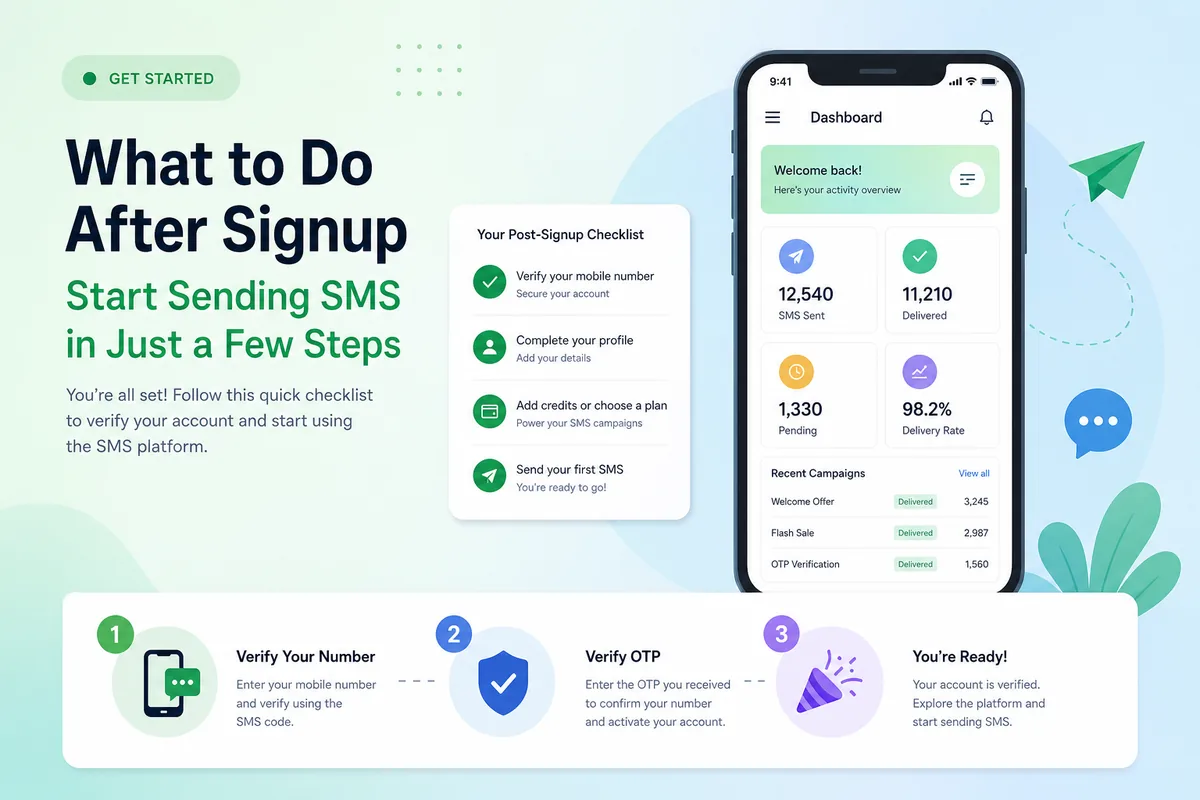
Four steps after signup
- Top up the smallest useful balance.
- Pick service (the app) + country (the range).
- Enter the number correctly (no double country code).
- Copy the code; if the timer dies, swap instead of spamming resend.
Longer walkthrough: How to use an SMS platform.
First-run blockers
| Symptom | Likely cause | Fix |
|---|---|---|
| Can’t order | No balance / no stock | Top up or change country |
| Number rejected | Virtual range / wrong country | Prefer real SIM; match service |
| No SMS | Wrong service / burned line | Verify service; swap |
| Over-top-up anxiety | Fear of large deposits | Test tiny first |
After your first success
- Bind email / authenticator on accounts you’ll keep
- Note the service + country combo that worked
- Consider API only when you need volume
Wrap-up
“What do I do after registering?” = complete one live OTP. Small balance, correct service/country, swap on timeout.